

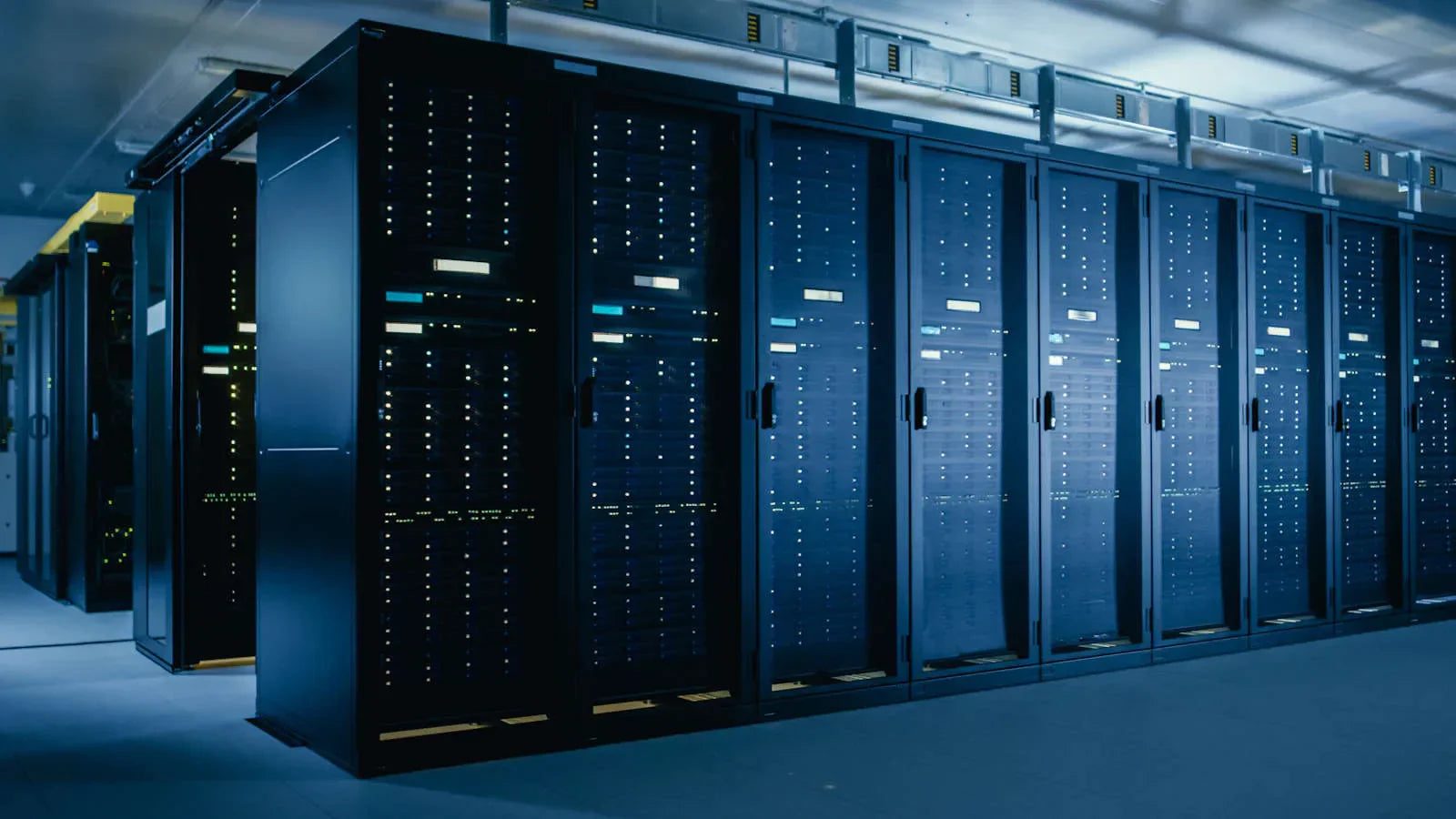
Servers form the backbone of modern digital infrastructure, powering websites, applications, and data storage solutions around the clock. But what exactly are servers, and why are they essential for businesses and individuals alike? Understanding servers means grasping how data and services are shared efficiently amid vast networks. This guide unpacks the basics of servers, their core functions, and highlights examples like HPE Servers and Dell Servers to provide clarity tailored for both beginners and professionals.
What Are Servers? Understanding the Fundamentals
Definition and Purpose
At its essence, a server is a powerful computer or software that delivers data, resources, or services to other computers—commonly referred to as clients—over a network. Servers operate based on the client-server model, wherein multiple clients send requests, and the server responds accordingly, facilitating a wide variety of tasks from website hosting to file sharing.
Hardware vs. Software Servers
Servers exist in two primary forms:
- Hardware Servers: Physical machines built for high performance, durability, and continuous operation. They are designed with specialized components to handle large workloads efficiently.
- Software Servers: Applications or services running on hardware that provide specific server roles, such as web servers (Apache, Nginx) or database servers (MySQL, Microsoft SQL Server).
Key Functions of Servers
Service Provision and Resource Management
Servers perform essential functions by managing resources and offering services. Some of their primary roles include:
- Hosting Websites and Applications: They deliver web pages and support applications accessible worldwide.
- Data Storage and Retrieval: Centralized storage ensures users access reliable and secure data anytime.
- Email Services: Handling sending, receiving, and storing mail efficiently.
- Authentication: Verifying users and managing secure access to networks.
Request-Response Model
Servers operate on a request-response mechanism, continuously listening for incoming client requests via network ports, processing those requests, and sending back the appropriate data or service. This model underpins much of the internet and intranet communications.
Common Types of Servers and Their Uses
Popular Server Varieties
Depending on the function they serve, servers come in many forms:
- Web Servers: Deliver web content to browsers.
- File Servers: Centralized storage and file sharing.
- Database Servers: Manage data storage and querying.
- Mail Servers: Manage email message flow.
- Application Servers: Run and deliver business applications.
- Game Servers: Support multiplayer gaming sessions.
Specialized Servers
Additional types include proxy servers, DHCP servers, DNS servers, and print servers, each designed to address specific networking needs and improve system efficiency and security.
Core Components of a Server
Hardware Essentials
- CPU (Processor): Executes instructions and processes data.
- Memory (RAM): Temporary data storage facilitating speedy processing.
- Storage Devices: Hard drives or SSDs store the operating system, applications, and data.
- Network Interface Cards (NICs): Enable connectivity to networks, often with redundancy.
- Power Supply: Reliable, often redundant to prevent downtime.
- Cooling Systems: Maintain optimal operating temperatures.
Software Components
Servers run specialized operating systems (like Windows Server, Linux) optimized for handling multiple client requests and providing efficient resource management. Server software includes web servers, database management software, email servers, and administrative utilities for monitoring and security.
How Servers Operate: The Technology Behind the Scenes
Client-Server Communication
Communication between clients and servers follows a structured process. When a client device makes a request—such as loading a webpage—the server processes it using its applications and resources, then returns the needed information. This interactive exchange is the foundation of internet browsing, file access, and many other digital services.
Reliability and Uptime
Servers are engineered for continuous, 24/7 operation. They include features like redundant power supplies, backup storage arrays (RAID), and failover networking to ensure maximum availability and minimize service interruptions.
Leading Server Brands: HPE Servers and Dell Servers Overview
HPE Servers
HPE (Hewlett Packard Enterprise) offers enterprise-grade servers known for reliability, scalability, and advanced management capabilities. Their ProLiant series is widely adopted for diverse workloads, supporting virtualization, cloud integration, and high-performance computing environments.
Dell Servers
Dell Servers provide a robust platform for small to large businesses with flexible configurations, excellent support, and efficient power management. The PowerEdge line offers rack, tower, and blade servers designed to meet various performance and workload needs.
Choosing and Managing Servers for Your Network
Key Considerations When Selecting Servers
- Define workload requirements to select appropriate hardware and software.
- Consider scalability for future growth.
- Assess reliability features like redundancy and support services.
- Evaluate vendor support, warranty, and ecosystem compatibility.
Basic Server Management
Effective server management involves routine monitoring, software updates, security hardening, and backups. Tools provided by HPE Servers and Dell Servers offer remote management interfaces, simplifying administration and troubleshooting.
Benefits and Importance of Servers in Modern Digital Infrastructure
Empowering Business and Daily Life
Servers enable seamless connectivity, collaboration, and data accessibility worldwide. They support e-commerce platforms, cloud computing services, communication tools, and countless applications critical to modern life.
Ensuring Security and Efficiency
With robust security protocols and scalable resources, servers protect sensitive information and optimize resource use, helping organizations reduce costs and maintain business continuity.
Summary and Next Steps
Servers are fundamental to the digital ecosystem, providing the infrastructure necessary for delivering data, applications, and services efficiently and securely. From understanding their basic definitions and operational models to appreciating the value of specialized solutions like HPE Servers and Dell Servers, mastering server knowledge is vital for business growth and technology management. To explore server options tailored to your needs and boost your network performance, consider learning more about current server technologies and vendor offerings.